 WE Budget
A budget built around your payment calendar
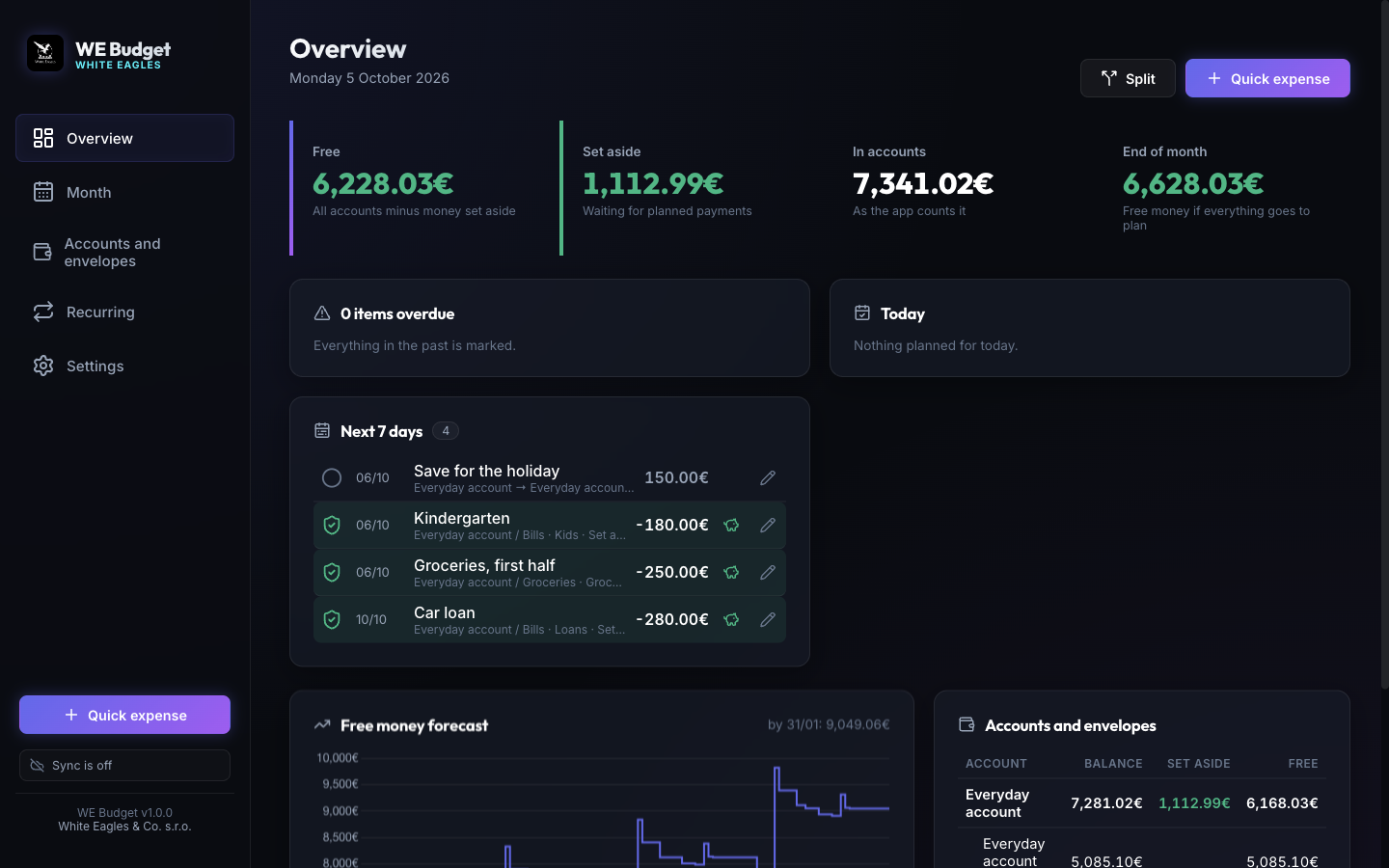
Plan every payment and income of the month, set money aside in envelopes as soon as income lands, and tick payments off when they happen. WE Budget always shows how much money is really free and which upcoming payment there will not be enough money for.
Free and open source, MIT license. English and Russian. On your phone: open the phone app and add it to the home screen.
What it does
Payment calendar
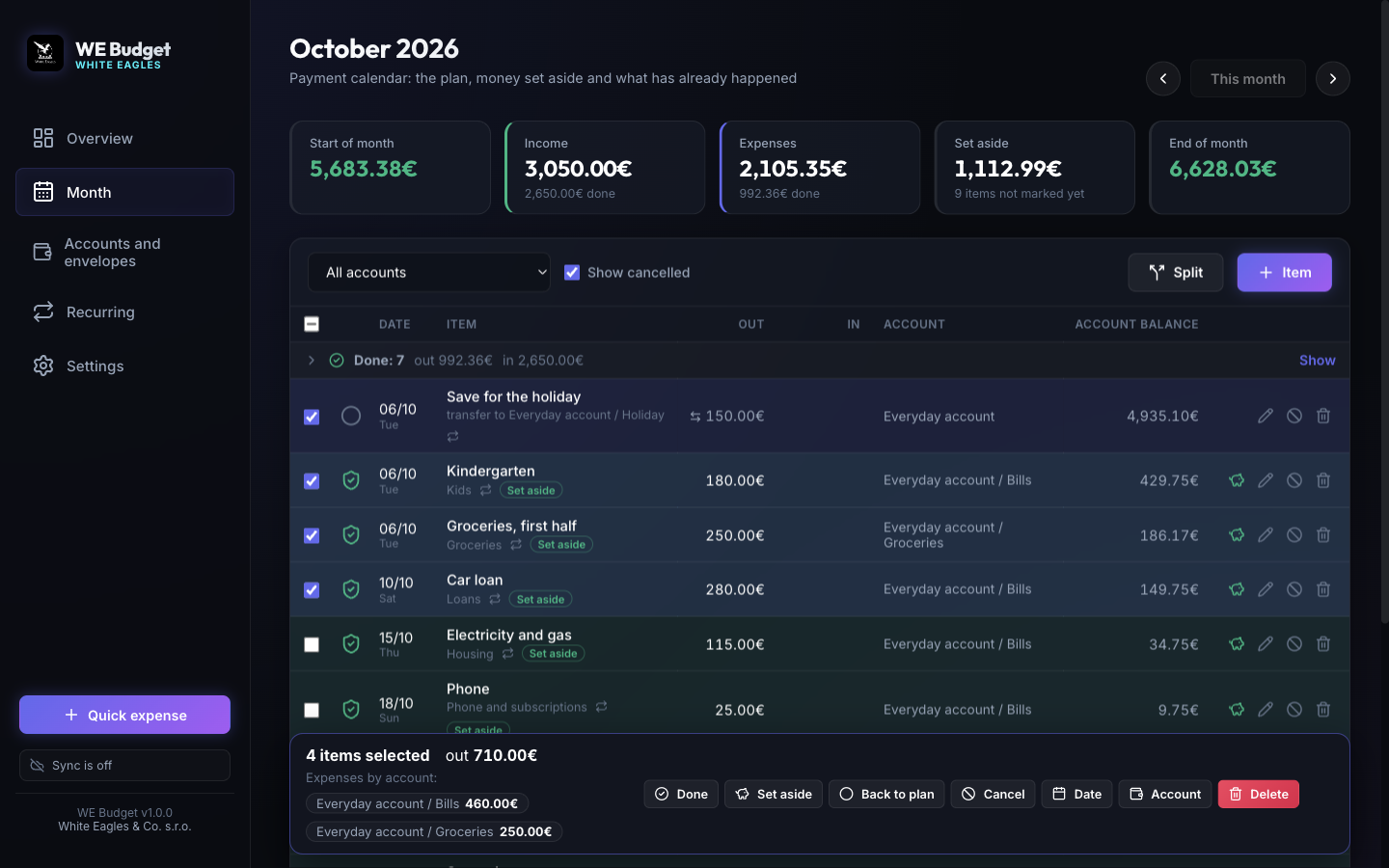
Each month is a list of payments and incomes with a status: planned, set aside, done or cancelled. Payments still waiting for money stand out.
Envelopes
Accounts hold envelopes, like the spaces of a banking app. Money set aside for a payment never counts as free money for anything else.
Splitting income
When income arrives, the app proposes how much to move to each envelope to cover the payments until the next income.
Checking against the bank
Type what your bank shows, and any difference becomes a visible adjustment, so balances and the forecast stay true.
Recurring payments
Monthly, every few months, yearly, weekly or once. The plan for the coming months builds itself.
Sync between computers
Optional sync through a hidden app folder of your own Google Drive. Works offline and catches up later.
On your phone
Today's payments, marking them, quick expenses and what is free, in an app you add to the home screen. Same budget, through the same Google Drive.
Reminders
At the time you choose, Google Calendar reminds you of the payments of the day not marked yet, even when every computer is off.
Your data stays yours
Your budget is kept in a file on your computer. If you turn on sync, a copy goes to a hidden folder of your own Google Drive that only WE Budget can open, directly from your computer. There is no server of ours in between, no account with us, no analytics and no ads. Details are in the privacy policy.